

Help Centre
Media configuration
How to work with images in general:
- Upload images in their original quality. Do not compress or resize the images our media service will scale your original image to different sizes and formats
- Supported formats:
JPG/JPEG
PNG
GIF
- Viskan will set the image quality and resolution.
- Use color mode RGB (do not use CMYK).
Considerations when working with images in the CMS:
The default setting for all components handling images is to always use the highest resolution.To be able to maintain a good page speed and user experience you need to think about using different images for different devices. There are two main ways of handling this in Viskan CMS.
Working with multiple containers
By adding multiple containers to the page you can set the visibility condition for each one to only be visible in a specific device. You then place an image component inside each container and adjust the uploaded image to fit the corresponding device and resolution.
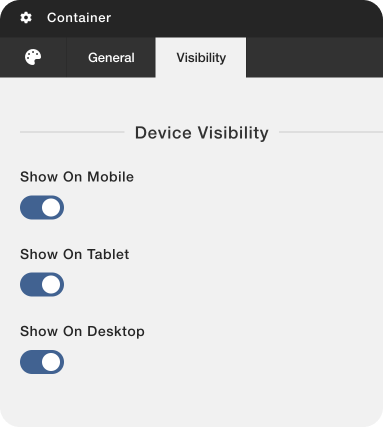
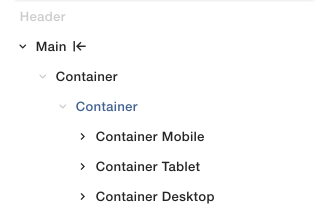
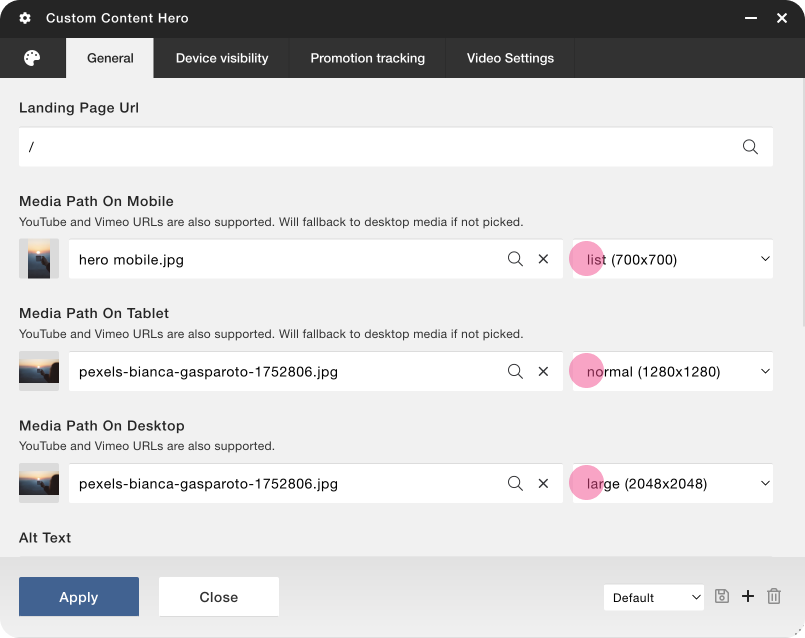
Using the custom content component
By using the custom content component you are able upload and use up to three different images in the same component. This means you do not need to use multiple components to fit an image to each device.
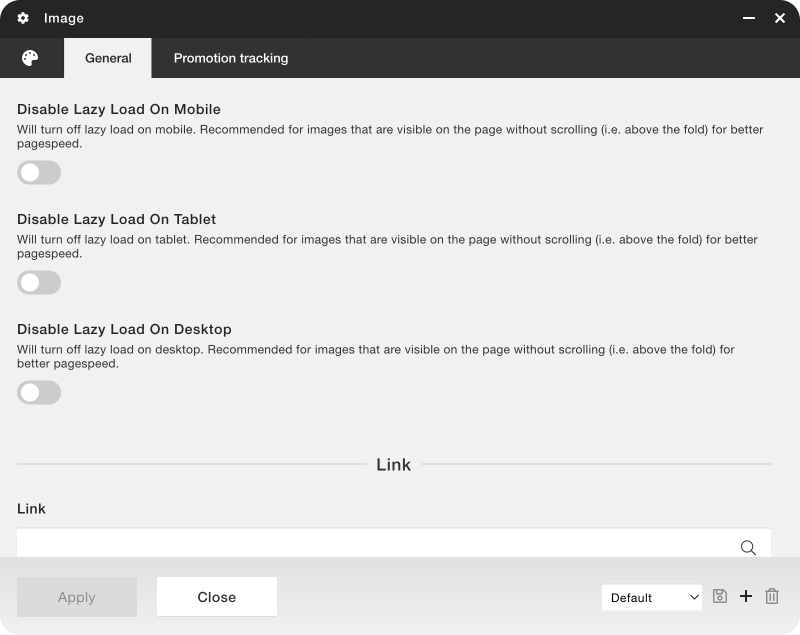
If an image is rendered above the fold (Above the fold is the upper visible half of any page on a website) you should disable lazy load. This will make sure the image is rendered as fast as possible and increase the page speed.
Considerations when working with product images
For best user experience, decide on one aspect ratio and stick to it. Make sure to always upload the images in their original quality.
Image quality and different formats:
Our media service will scale your original images to different sizes (Original, Large, Normal, List & Thumbnail) to be used on different parts of your website. These sizes can be adjusted to fit your requirements. There is also a quality setting which has a value between 0 and 100 that will set the compression level of the image.
To find a good balance between size and image quality these parameters can be changed at any time. Contact Viskan if you want to make adjustments.
WebP:
Images will be converted to WebP for visitors with WebP-support. However, the filenames will retain their original suffixes like .png or .jpg. This means you should not upload images in WebP, Viskan will convert the images for you.

CMS
OMS